
Stop Skimming. Start Asking. Chat With Any PDF in Seconds.
PDF.ai turns dense contracts, textbooks, research papers, and reports into a conversation. Upload a file, ask a question in plain English, and get an instant, cited answer — no more scrolling through 200 pages to find one clause.
No credit card required to start · Free plan available
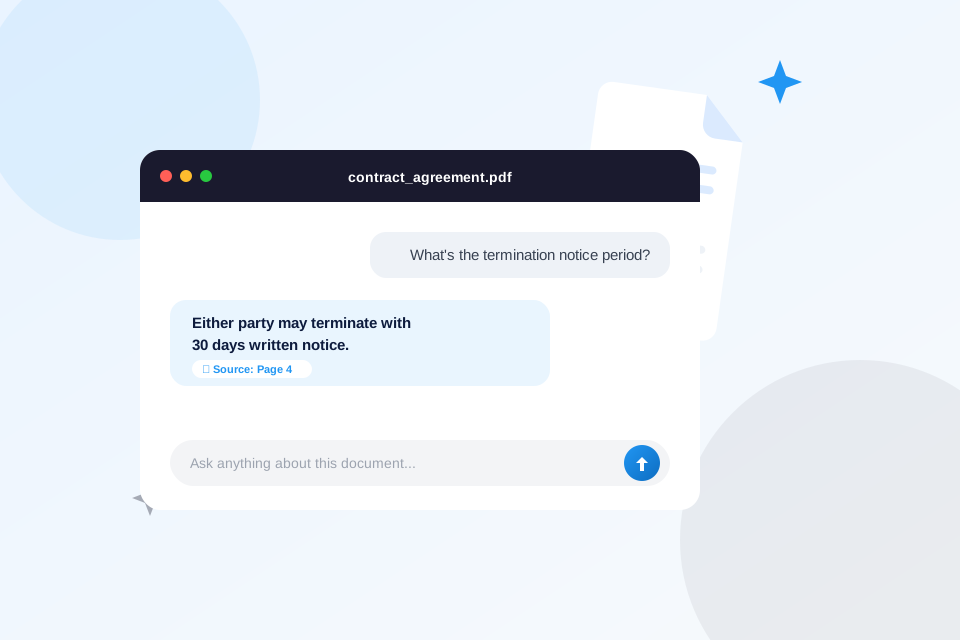
Why People Are Switching From Ctrl+F to PDF.ai
Reading long documents to find one answer is slow and error-prone. PDF.ai reads the whole file for you and answers directly, with the source page cited so you can verify it in one click.
💬
Chat With Any Document
Upload a PDF and ask questions like you’re texting a friend who already read it. Get direct answers instead of a wall of text.
📌
Answers With Citations
Every answer links back to the exact page and passage it came from, so you can verify accuracy before you rely on it.
⚡
Instant Summaries
Get a clean summary of a 100-page report in seconds — useful for due diligence, research, or just deciding if a document is worth reading in full.
🌐
Multi-Language Support
Ask questions in your own language, even if the source PDF is written in another one.
🔗
Shareable Chat Links
Share a link to your document conversation with teammates or clients instead of forwarding a heavy attachment.
🧩
Browser Extension
Chat with PDFs directly from your browser without downloading them first.
How It Works
Upload
Drop in any PDF — a contract, textbook, manual, or research paper.
Ask
Type a question in plain language, just like chatting with a person.
Get Answers
Receive an instant, cited answer — or a full summary if that’s what you need.
Who Uses PDF.ai
🎓
Students & Researchers
Digest textbooks and academic papers faster, and pull cited quotes for essays and literature reviews.
⚖️
Legal & Contracts
Find specific clauses in long agreements without reading every page.
💼
Business & Finance
Get quick answers from reports, filings, and proposals during due diligence.
Frequently Asked Questions
Is PDF.ai free to use?
PDF.ai offers a free plan to get started, with paid plans for higher usage limits and additional features. Check the current pricing directly on PDF.ai.
Is my document data private?
PDF.ai processes your uploaded documents to generate answers. Review PDF.ai’s own privacy policy for full details on data handling before uploading sensitive files.
What file types are supported?
PDF.ai is built for PDF documents, including scanned and text-based files.
Do I need to install anything?
No — PDF.ai works in your browser. A browser extension is also available if you want to chat with PDFs without downloading them first.
Ready to Read Less and Know More?
Try PDF.ai free and turn your first document into an answer machine.
Affiliate Disclosure: TryPDF.ai is an independent site and is not affiliated with, endorsed by, or sponsored by PDF.ai. Some links on this page are affiliate links, meaning we may earn a commission if you sign up through them, at no extra cost to you. This helps support the site.